The bridge crew
Riker, Data, Geordi, Worf, Troi and Crusher each bring their own expertise and manner. Name one, or let the request go to the right officer. No copied dialogue or imitated voices.
 Picard Code
Unofficial · MIT license
1940 to 2026
With deepest respect and gratitude. Picard Code is an open source tribute that lets you speak to your computer as the Captain spoke to his ship: plainly, precisely, and expecting the truth.
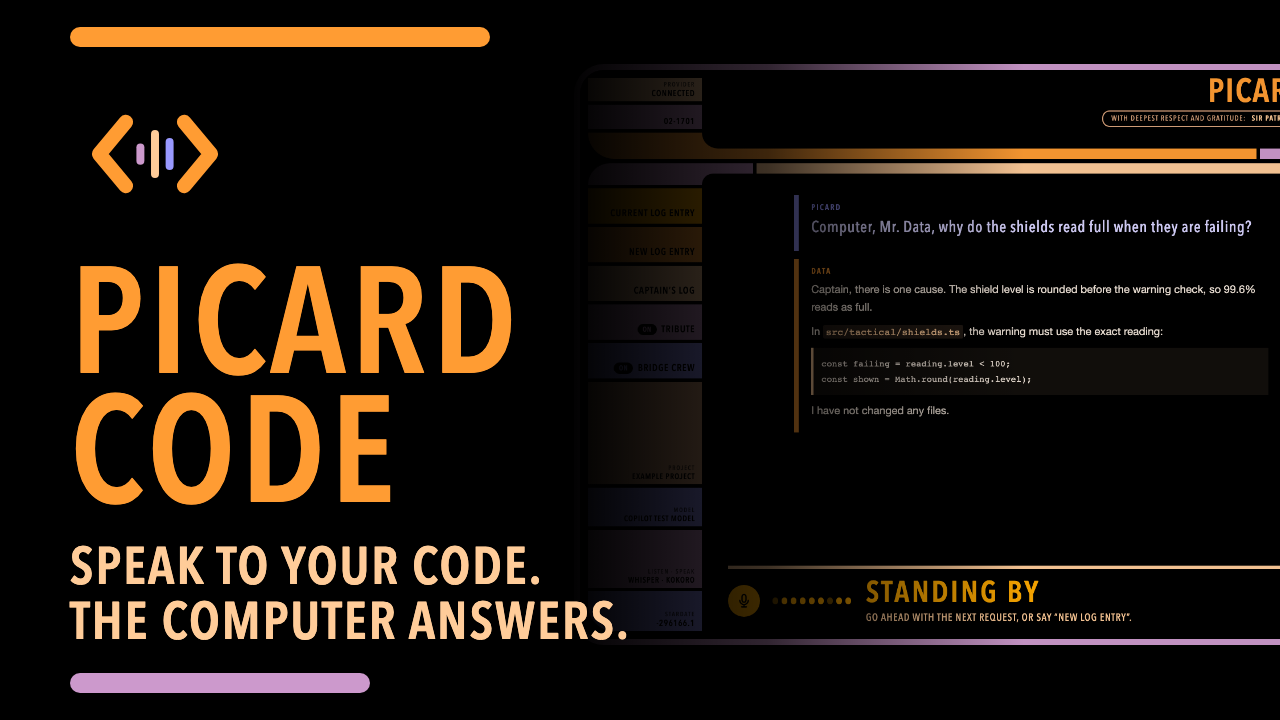 Watch the video on YouTube
01The tribute
A classical stage actor, Sir Patrick Stewart gave Captain Jean-Luc Picard his calm authority, his warmth, and his voice, across seven seasons of Star Trek: The Next Generation, four films, and Star Trek: Picard.
On the bridge, Picard thought aloud, asked exact questions, and expected exact answers. He spoke to the ship’s computer as he spoke to his crew: courteously and without fuss. Picard Code tries to honor that conversation in ordinary work at a desk.
Thank you, Sir Patrick.
02The computer
A small app on your own computer. You speak, OpenCode does the coding with the model provider you choose, and the computer answers aloud while the detail appears on screen. Your log entries are kept in Captain’s log, marked with stardates.
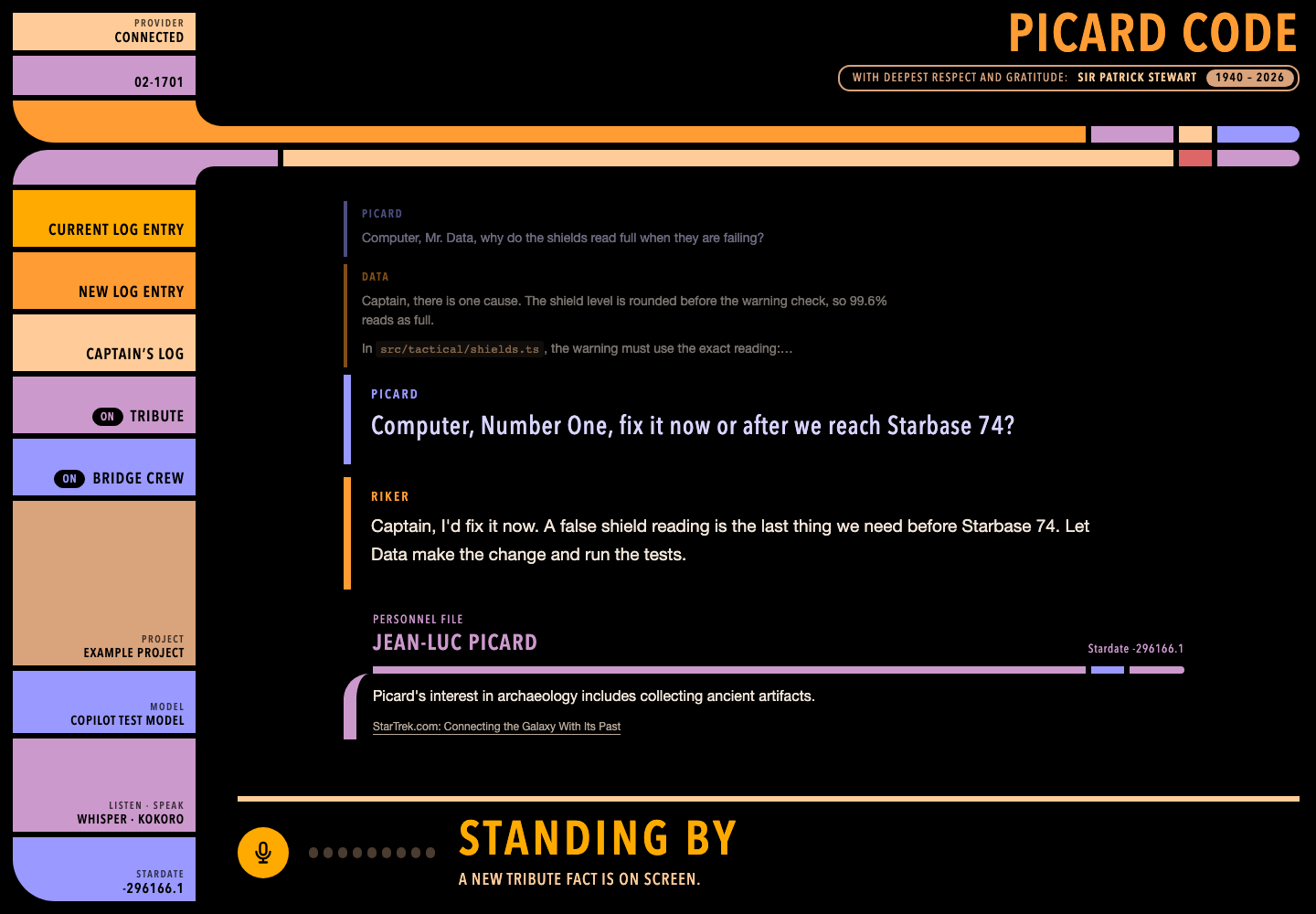
Riker, Data, Geordi, Worf, Troi and Crusher each bring their own expertise and manner. Name one, or let the request go to the right officer. No copied dialogue or imitated voices.
“Make it so” carries out exactly what was proposed. “Engage”, “Report”, “Options” and “On screen” work too. Approvals still need a button.
Now and then a short, sourced fact about Picard or Sir Patrick Stewart appears after an answer. Switch Tribute off for plain work.
03Join the tribute
Contributions are welcome when they keep the spirit of the tribute: respectful, original, and genuinely useful.
Original wording, better follow-ups and corrections, clearer pronunciation, and comfortable timing. Calm and precise, with “Captain” now and then. Never a parody.
New listening and speaking services, especially local ones, with clear licenses, setup, hardware needs, data destinations, and honest failure handling.
Also welcome: accessible desktop controls, testing with other accents, rooms and microphones, Linux setup, and reliability. Ideas, evidence, and documentation count too.
Please do not add show dialogue, artwork, recordings, or cloned voices. Original work only.
04Run it
You need Node.js 24 or newer (a long-term support version), a microphone, and a model provider OpenCode can use. Picard Code uses your OpenCode 2, or brings its own. Listening and speaking run on your computer by default, so no cloud account is needed for speech. In the app, choose the Listen · Speak tile, keep On this computer, and choose Save and apply to start the one-time download of about 750 MB. The app starts speech when it is ready; no restart is needed. Choose Azure for both listening and speaking instead if you do not want local speech downloads.